
Azure AD
You can use your Azure AD account to integrate to easy cloud also. Simply do this !
Active Directory
You can authenticate users using JWT (JSON web token) single sign-on. This article describes how to configure JWT SSO authentication for Microsoft Active Directory users, and covers the following steps:
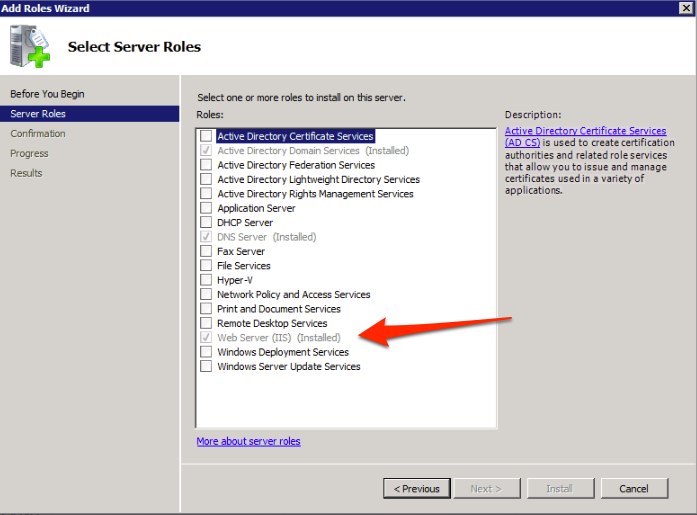
1. Configuring your Windows server
3. Downloading and configuring the authentication script
Okta
Sign in to Okta as an administrator and then follow the steps below.
To configure SAML for Zendesk in Okta
- In Okta, from the drop-down list in the upper-right corner, make sure you are using the Classic UI interface (not the Developer Console).
- Select Add Applications from the dashboard.
- Click Add Application, then search for and choose Zendesk. The Add Zendesk wizard appears.
- On the first screen, General Settings, add a name for the application and your Zendesk subdomain. For example, if your Zendesk URL is mycompany.zendesk.com, enter mycompany). Click Next.
- On the second screen, Sign-On Options, select SAML 2.0. This is where you'll find the SAML SSO URL, the Remote logout URL, and the Certificate fingerprint. You need this information to complete the SAML setup in Zendesk.
- Click the SAML 2.0 setup instructions for Zendesk link.
A page appears with instructions on how to configure SAML in Zendesk. See Configuring SAML in Zendesk below for the latest information.
Comments
0 comments
Please sign in to leave a comment.